I’ve used ProWritingAid and Grammarly across hundreds of projects. For the grammar rules themselves, see The Only Grammar Book You’ll Ever Need.
I think these tools have done more quiet damage to working writers than any bad writing teacher ever did. They’re sold as a safety net, and plenty of people use them as a boss, clicking Accept on everything until the voice that made their work worth reading has been flattened out of it. Nobody selling the subscription warns them it can happen. That’s a lousy way to treat a customer.
What do grammar checkers do well?
Grammar checkers catch the mechanical errors your eyes skip over after you’ve been staring at the same document for hours. Misspelled words, doubled words, basic subject-verb agreement problems, missing periods.
I think these tools have done more quiet damage to working writers than any bad writing teacher ever did.
The stuff that spell check has handled since the 1990s, but slightly better. They’re also useful for spotting passive voice overuse, though even that feature triggers false positives constantly. In November 2024 I was running drafts through ProWritingAid and then Microsoft Editor for one more pass. I thought ProWritingAid was a great tool, and I still overruled it all the time. It told me passive voice was bad and then suggested rewrites in the passive voice.
Use them early in your editing process.Share on X
For first-draft cleanup, they save time. A pass through Grammarly or ProWritingAid before you start real editing catches the obvious debris so you can focus on whether the writing is clear, concrete, and doing its job. That’s where the usefulness ends.
Why Do Grammar Checkers Get Commas Wrong?
Both tools are terrible with commas. This is their most common failure and the one that damages the most writing. They flag commas that are correct and suggest commas that are wrong. They can’t reliably distinguish between restrictive and nonrestrictive clauses. They don’t understand that comma usage in fiction, where rhythm and pacing matter, follows different conventions than comma usage in business writing.
The Oxford comma alone causes chaos. If you use it consistently, Grammarly sometimes flags it. If you don’t use it, ProWritingAid sometimes inserts it. Neither tool maintains consistent comma rules across a full document because neither tool understands your intent. They’re pattern-matching against statistical models.
Writers who accept comma suggestions without evaluating each one end up with documents full of comma errors that weren’t there before the grammar checker touched them. I’ve seen manuscripts where the author ran the text through Grammarly and accepted every suggestion, and the result had more errors than the original draft.
Do Grammar Checkers Destroy Your Voice?
This is the problem professional writers understand and casual users don’t.
Grammar checkers optimize for standard formal English. They flag sentence fragments, intentional repetition, conversational tone, dialect, and any construction that deviates from textbook grammar. For business emails and academic papers, that’s fine. For anything with a voice, including fiction, memoir, blog posts and marketing copy, it’s destructive, and I think it’s one of the biggest reasons so much self-published prose now sounds like it came off the same assembly line.
Grammarly will flag a sentence fragment that you wrote deliberately for emphasis. ProWritingAid will suggest restructuring a short punchy sentence into a longer grammatically complete one that loses all its impact.
Both tools will try to “fix” dialogue that’s intentionally informal because the character speaks informally. Accept those suggestions and your writing sounds like a committee generated it. It kept trying to fix my dialogue too, and some of that dialogue was wrong on purpose. It’s a machine.
I don’t use them anymore. They’re AI now, especially the newer versions, and they do what AI always does. They flatten the language and the dialogue toward the lowest common denominator, and they strip out harsh language. And they love commas. Every writing aid I’ve tried wants commas everywhere. Maybe strictly by the book they belong there, but the result doesn’t read well.
I clean up AI-generated content regularly, and one of the telltale signs is writing that’s grammatically perfect and completely lifeless. Grammar checkers push human writing in the same direction. They sand off the edges that make writing sound like a specific person instead of a generic content mill.
Do grammar checkers trigger AI detectors?
Most writers don’t know about this problem until it costs them. Grammar checker suggestions push your writing toward the same patterns AI generates: safe word choices, standard sentence structures, formal tone, no personality. Accept enough suggestions from Grammarly or ProWritingAid and your writing starts looking like machine output to AI detection tools like Originality.ai.
This is increasingly a real-world problem. Publishers, academic institutions, and clients are running content through AI detectors. If your human-written work gets flagged because you let a grammar checker sand it into generic standard English, you’re in trouble. The irony is brutal: you used a tool to “improve” your writing, and the improvement made it look like a robot wrote it.
Marley Stevens found this out the hard way. She was a junior at the University of North Georgia when she turned in a paper for a criminal justice class in October 2023, and Turnitin flagged it as AI-generated. She said she’d used only the free version of Grammarly, installed in her browser, to fix spelling and punctuation. She got a zero on the paper and was placed on academic probation, Fast Company reported.
Grammarly told Fox 5 Atlanta that those suggestions “are not powered by generative AI.” The university declined to discuss her case, citing federal privacy law. Stevens didn’t mince words about the software: “My whole thing is that AI detectors are garbage and there’s not much that we as students can do about it.”
This one is outrageous. By her account she wrote the paper herself and let a free checker fix her commas, and a detector’s score was enough to put her on probation. Any writer who hands their prose to software and accepts whatever it suggests is taking the same gamble with clients and editors.
The reason is simple. AI language models and grammar checkers train on similar datasets and optimize for similar patterns. Both prefer common word choices over unusual ones, standard constructions over idiosyncratic ones, and formal tone over conversational. When you accept their suggestions systematically, you steer your writing toward the statistical center of English prose, and that center is exactly where AI-generated text lives. AI detectors flag a writer who did every word of the work as a machine, and the software they trusted set them up for it.
Grammar checkers can’t read context
Grammar checkers analyze sentences. They don’t read paragraphs, sections, or documents. There’s more in my Writing Hub. They can’t tell whether a word choice that seems unusual is the right word for the context.
They can’t tell whether a sentence that breaks a grammar rule is breaking it for a reason. They flag the word “impact” as a noun-versus-verb issue without understanding that the usage has been standard English for decades.
ProWritingAid’s style reports are better than Grammarly’s for long-form writing.
The pacing analysis and sentence length variation reports can surface real issues. But the tool still can’t tell you whether your chapter is boring, whether your argument is convincing, or whether your opening paragraph gives the reader a reason to keep reading. Those are writing problems, and no software solves them. I’d rather a writer read a chapter aloud once than run it through every report in the menu.
The Bigger Danger: Writers Who Trust Them
The worst thing about grammar checkers is what they do to writers who treat them as authorities. I’ve worked with clients who accepted every Grammarly suggestion for years and believed their writing was improving. It wasn’t.
They were training themselves to write in the tool’s preferred style: safe, formal, generic, and stripped of personality. Their writing got more correct and less readable at the same time.
When Grammarly, ProWritingAid, and a human editor disagree, the human editor is right almost every time. The tools are useful for catching typos and mechanical errors. They’re not editors. They don’t understand your audience, your purpose, your tone, or the rules of your genre. A professional editor does.
| Task | Trust the tool? | Why |
|---|---|---|
| Typos and misspellings | Yes | Catches errors your eyes skip after hours on a document |
| Passive voice | Partly | Useful, but triggers false positives constantly |
| Commas | No | Flags correct commas and suggests wrong ones |
| Deliberate fragments and informal dialogue | No | Flattens voice toward standard formal English |
| Pacing and whether a chapter works | No | Reads sentences, not chapters or arguments |
| Final draft decisions | No | A human editor understands audience, purpose and genre |
My take
Use Grammarly for typos and turn it off before the final draft. Accept every suggestion and your prose slides toward the bland style people associate with AI, and detectors start flagging your own work as a machine’s. The tools read sentences. They can’t tell you if a chapter is boring or an argument holds. When the software and a human editor disagree, go with the editor. Read the chapter aloud once and you’ll learn more than any report can tell you.
How do you use grammar checkers without ruining your writing?
Use them early in your editing process. Run your draft through the tool to catch obvious errors, then turn it off and do your real editing by hand or with a human editor.
Never accept suggestions in bulk. Evaluate every single suggestion individually. If you can’t explain why the tool’s suggestion is better than what you wrote, keep what you wrote.
Turn off style suggestions when editing fiction, memoir, or anything with a distinctive voice. Use the grammar and spelling checks only. The style suggestions will homogenize your writing into something that sounds like everyone else. Don’t use grammar checkers as a substitute for learning grammar. (See C. Edward Good’s functional grammar guide) If you don’t understand why a comma goes where it goes, a tool that sometimes puts commas in the wrong place isn’t going to teach you. Pick up a copy of Strunk and White, or read enough well-edited prose that you internalize the patterns. There’s no shortcut for that.
And if you’re writing something that matters, like a book, a major proposal or the website copy that represents your business, hire a human editor. Grammar checkers cost $20 a month.
A professional editor costs more and is worth every dollar because they understand what your writing is trying to do and whether it’s working. It’s a racket that a subscription app gets to sand down a writer’s voice and call the result editing, when the only people with a stake in how your book sounds are you and the editor you hire.
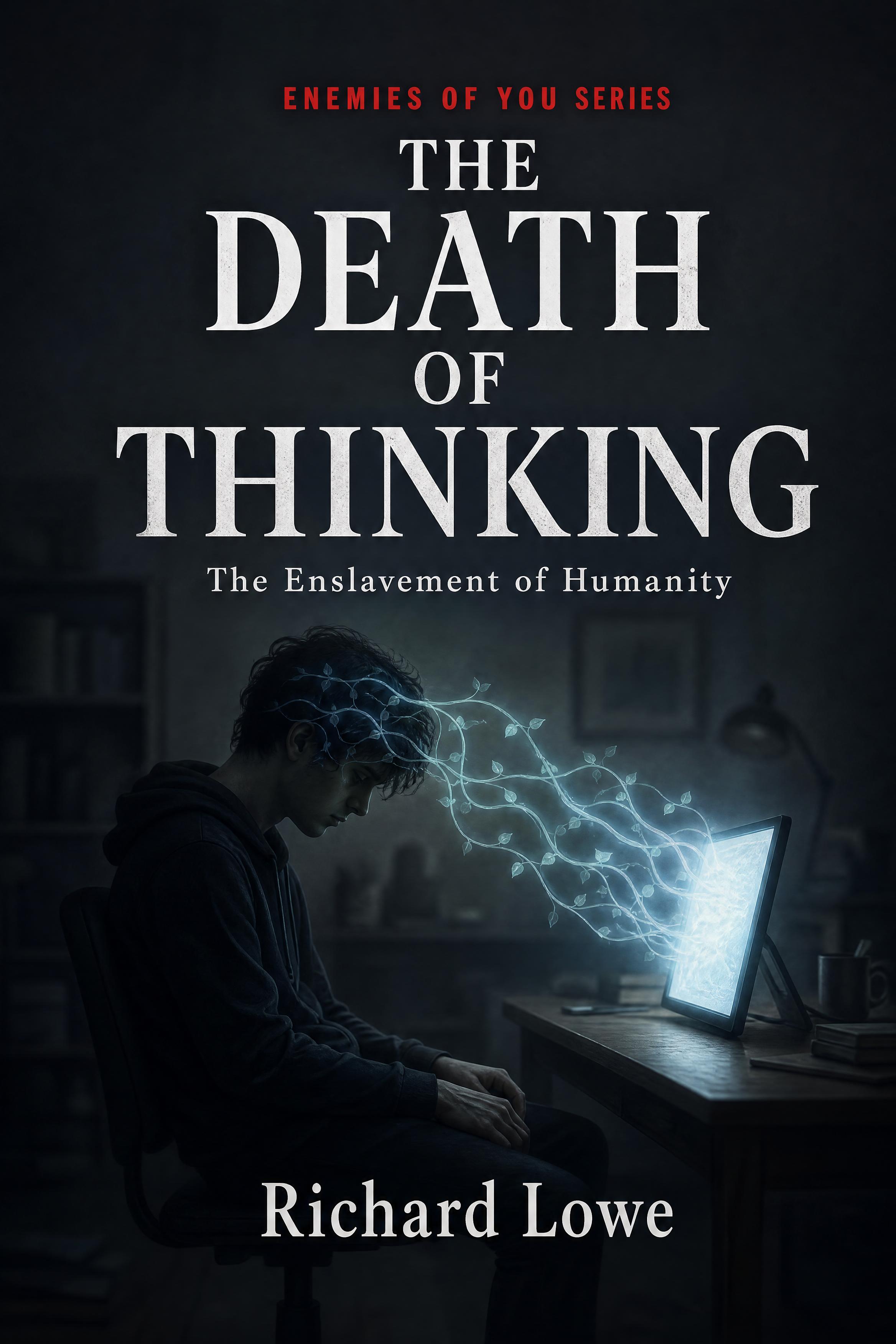
Trust in a tool over your own judgment carries a cost you don’t feel until something requires that judgment. The Death of Thinking is my book about what outsourcing judgment costs.
Frequently Asked Questions
From the review library: Eats Shoots And Leaves.