Most authors treat the back of the book as the pile of chores left over after the writing is done. I think that’s a mistake, and a lazy one. A reader who reaches your last page and flips forward is still deciding what they think of you, and the pages they find there either finish the job or undercut it.
Think of a book as a car on a dealer’s lot. The window sticker sells it. That’s your back cover, and a buyer reads it in fifteen seconds standing in the aisle or scrolling past the thumbnail. The glove box is everything after the last chapter: the owner’s manual you dig out when the warning light comes on. Nobody opens the glove box on the test drive. The owner opens it on a bad day, and if it’s empty, they remember.
I’ve published 113+ books of my own, and I’ve ghostwritten books for clients too. Every one of them needed somebody to decide what goes after the last chapter. The pieces follow, in the order a reader meets them.
What goes in the back of a nonfiction book?
After the last chapter or the conclusion, a nonfiction book carries some combination of appendices, notes or citations, a bibliography, a glossary, the index, the acknowledgments, the About the Author page, and a page pointing to your other books or your website. You don’t need all of them. A memoir rarely wants a glossary, and a short business book with no outside sources doesn’t need a bibliography.
The glove box is everything after the last chapter: the owner’s manual you dig out when the warning light comes on.
Order matters less than you’d think, but there’s a convention. Reference material comes first, because it belongs to the text: appendices, then notes, then the bibliography and glossary, then the index. The personal pages come last. Acknowledgments go at the back in most nonfiction (some authors put them up front, and that’s fine), and About the Author is the last thing before the back cover. Readers expect to find you there.
Citations deserve their own warning. If you quote somebody, you have to use the quote, tie it to your point, and credit the source properly. Dropping a line in quotation marks with a name after it and moving on is borrowing without permission. It makes me crazy. Keep good notes on every source while you write, because rebuilding citations from memory at the end is miserable work.
Front matter is its own set of pieces. I cover the opening pages separately, and if you’re still hunting for someone to write your foreword, start that early, because the people worth asking are busy.
Watch: Front and Back Matter - Formatting Your Book with Atticus, Atticus
Does a nonfiction book need an index?
You don’t have to have one. A memoir or a novel doesn’t need one at all. But for a business book, a how-to book, or anything a reader will come back to looking for one specific thing, an index adds polish, and compared to what the rest of the book cost, it’s cheap.
Say a reader opens your book six months after finishing it because they want your take on sales methods. They flip to the back, find “sales methods, 291, 360, 495,” and turn straight to the page. Without the index, they’re skimming chapter titles and guessing. A lot of them give up and put the book back on the shelf, and the book stops being useful to the exact person who liked it enough to come back.
Unfortunately, almost nobody self-publishing does one.
I told my friend Joe Rockey about this on a call, and his first guess was that I meant a cookbook. I’d bet his own book doesn’t have an index. Hardly anybody’s does. Self-publishing tools don’t build indexes, so authors skip them, and a reader who flips to the back of a solid business book finds nothing but the author bio. I hate that. It makes good books look homemade.
Should you use Word’s automatic index for a book?
No. My advice is short: don’t do it in Word.
Word’s index tools work by marking entries, and the automatic route marks every place a word appears. You end up with a page full of hogwash. The good references sit next to the passing mentions, so “leadership” lists forty pages, and thirty-five of them are the word showing up in a sentence about something else. A reader follows three of those references, finds nothing, and stops trusting the index.
Why would you hand a reader a page full of noise? You don’t want every place a word appeared in the document. You want the important points.
There’s a mechanical problem too. Word builds page numbers from the Word file, and the Word file isn’t the book. Once your interior goes through layout, with new trim size, new fonts, new margins and page breaks, every page number in a Word-built index is wrong. If you’re laying the book out properly (I’ve written about formatting a manuscript for publication), the index has to be built from the final pages, and nothing earlier.
Hiring a professional indexer
The old answer, and still a good one, is to hire an indexer after the book is done. Not during. Wait until the interior is locked and the page numbers won’t move again. I tried indexing a book myself once and found out it takes special training. An index lists the places where a term matters most, and you have to understand the book to find them.
When a client asked me about it, I put a typical business book at around $1,000 to $2,000, and published indexer rates as of 2026 still land in that range for a book of normal length. Most indexers price by the indexable page, so a long, dense book costs more than a short one, and you should get a quote against your actual page count before you commit.
What you’re paying for is judgment. A trained indexer reads the book, decides which concepts a reader will go looking for, groups related ideas under one heading, adds cross references (“customer retention, see also churn”), and leaves out the passing mentions. A good index reads like a map of what the book is about. A bad one reads like a word count. If your mind’s even going in that direction and the money is there, I’d say yes, do it. It makes the book more professional.
Nobody opens the glove box on the test drive. They open it on a bad day, and if it’s empty, they remember. – Richard LoweShare on X
Can Claude build a book index?
Yes. I figured out how to get Claude to make one, and with two extra steps it does the job in no time.
A workflow that holds up splits the job the way an indexer would.
Don’t hand Claude the manuscript and ask for an index in one shot, because you’ll get the same hogwash Word gives you, only better formatted. Start from the final interior PDF, after layout, so every page number is the real one.
First, ask Claude to read the whole book and propose the list of concepts a reader would look up, with subentries and cross references. Then edit that list yourself. You know what the book is about better than any software, so cut the trivia and add the ideas it missed. Last, give Claude the approved list and the page-marked text and have it find the pages where each concept is discussed in substance, skipping places where the word only shows up in passing.
Then check it.
Pick ten entries at random and turn to every page listed. If Claude points you to a page that only mentions the term, tighten your instructions and run it again. It costs you an afternoon. A reader who can find what they need in your book for years is worth that afternoon.
Know the limit, too. Claude does good work when you give it a clear list and the final pages, and sloppy work when you ask it to guess. You keep the judgment about which ideas count. The same rule holds for AI anywhere else in a book.
Split the job the way an indexer would: Claude proposes, you decide, Claude finds the pages, you check.
What goes on an About the Author page?
Inside the book, the About the Author page runs one to two pages. It’s the long version of you. Write it in third person, put your credentials for this subject first, then the story of how you came to write the book, then something human, and end with where readers can find you.
Credentials for this subject means the ones a reader of this book cares about. If you wrote a book on running a dental practice, lead with the practice you built, and leave the marathon for the last paragraph. Your business reader opens that page with one question: why should I believe you? Readers of a memoir already know who you are, because they just spent three hundred pages with you, so the bio can relax and fill in what happened after the story ends.
With clients, I have them send me the facts and I write it. Most people can’t write about themselves without either bragging or apologizing, and both sound terrible on the page. A list of facts handed to somebody else comes back as a bio that sounds confident without sounding like a press release.
Keep a few versions.
You’ll need the long one for the book, a short one for the back cover, and others for your website, your retailer listings and every podcast host who asks for a bio. Write the long version once, carefully, and cut the shorter ones down from it so the facts never drift apart.
How long should an author bio be on a back cover?
Short. On a paperback, the back cover holds the book description, maybe an endorsement or two, your bio, and the barcode, and the barcode takes a fixed block at the bottom you can’t touch. Two or three sentences of bio is all a paperback cover can hold without crowding everything else.
Don’t fight that. Nobody standing in a bookstore aisle reads a bio longer than that anyway.
A hardcover with a dust jacket gives you more room, because the flaps carry the copy. There, I plan on about three short paragraphs of bio and three paragraphs about the book. Get your page count first, because your printer generates the cover template from it, and the spine width changes everything. I publish through IngramSpark, and I’ve laid out how I publish now and why if you want the details on templates.
Back cover copy that sells the book
The back cover is the window sticker, and its only job is to get a stranger to open the book or click the buy button. The description does most of the work. Open with the reader’s problem or the story’s hook, tell them what changes if they read this book, and stop before you run out of space. Keep sentences short and cut every word that sounds like a press release.
Weak back covers fail the same way. They describe the book’s contents chapter by chapter, or they spend the space on the author. The buyer doesn’t care yet. They care about themselves.
Would you buy a car because the window sticker listed the salesman’s awards?
If your sales page is getting traffic and no sales, blame the copy. I’ve gone through why a book description doesn’t convert in detail.
Endorsements belong on the back cover if you have good ones from names your reader will recognize. One strong line beats four weak ones, and the politics of getting endorsements and blurbs are messier than anybody tells you.
How should you write acknowledgments in a book?
Acknowledgments are optional. If you want them, write them as a short story about how people helped, and skip the roll call.
The default acknowledgments page is a long list of names with “thank you” stapled to the front. Nobody reads it except the people looking for their own names, and even they feel shortchanged, because a name in a list says nothing about what they did. Those pages bore me. They waste a page where you could thank people properly, in public.
Put a little story around each person who mattered. If your editor told you chapter four didn’t work and turned out to be right, say so. A colleague who read the draft on a plane and sent back pages of notes deserves a sentence about that flight. Two sentences per person is plenty, and you’ll end up thanking fewer people better. If you have a long list of people who helped a little, give them one sentence as a group at the end.
And be careful with clients and colleagues who haven’t agreed to be named. A thank-you can reveal a relationship somebody wanted private. Ask first.
My take
Give a nonfiction book a real index, and don’t trust Word’s automatic one. Hire an indexer, or build one with AI and check it. Keep the back cover bio short and let the About the Author page run a page or two. Acknowledgments are optional. If you write them, tell a short story about how each person helped, and skip the roll call. Ask before you thank a client by name.
What I’d put in the back of your book
Your final page inside the book should tell a reader who liked it where to go next. That means your other books, your website, a newsletter, or a way to reach you. You’ve got their full attention at the exact moment they finished something of yours. Leaving it out is like selling the car with the glove box empty.
Proofread all of it. Back matter gets written last, in a hurry, after everyone is sick of the book, and the typos pile up there. A misspelled name in the acknowledgments hurts the one person you meant to honor.
My book Publish Your Book puts all of these pieces into one self-publishing checklist, from manuscript to launch.
For a business or how-to book: notes if you quoted anyone, an index built from the final pages by a professional or with Claude, acknowledgments that tell a story, a one to two page About the Author, and a closing page that sends readers somewhere. For a memoir: drop the index, keep the rest. On the outside, a back cover with a description that sells, a short bio and room for the barcode.
| Piece | Job | How to handle it |
|---|---|---|
| Notes and citations | Credit everyone you quote | Keep notes on every source while you write |
| Index | Lets a returning reader find one topic | Build from final pages with an indexer or Claude; never Word’s automatic index |
| Acknowledgments | Optional public thanks | A short story per person; ask before naming clients |
| About the Author | The long version of you, one to two pages | Third person, subject credentials first, end with where to find you |
| Closing page | Tells a reader who liked it where to go next | Other books, website, newsletter or a way to reach you |
| Back cover description | Sells the book to a stranger | Open with the reader’s problem or hook; skip the chapter list |
| Back cover bio | Short credibility on the outside | Two or three sentences on a paperback |
The publishing and marketing hub covers the rest of getting a book out the door, and if you’d rather not handle layout, covers, indexes and bios yourself, my book publishing services take care of it. The window sticker gets the buyer to sign. The glove box decides whether they’re glad they did, and it drives me nuts when a good book ships with nothing in it.
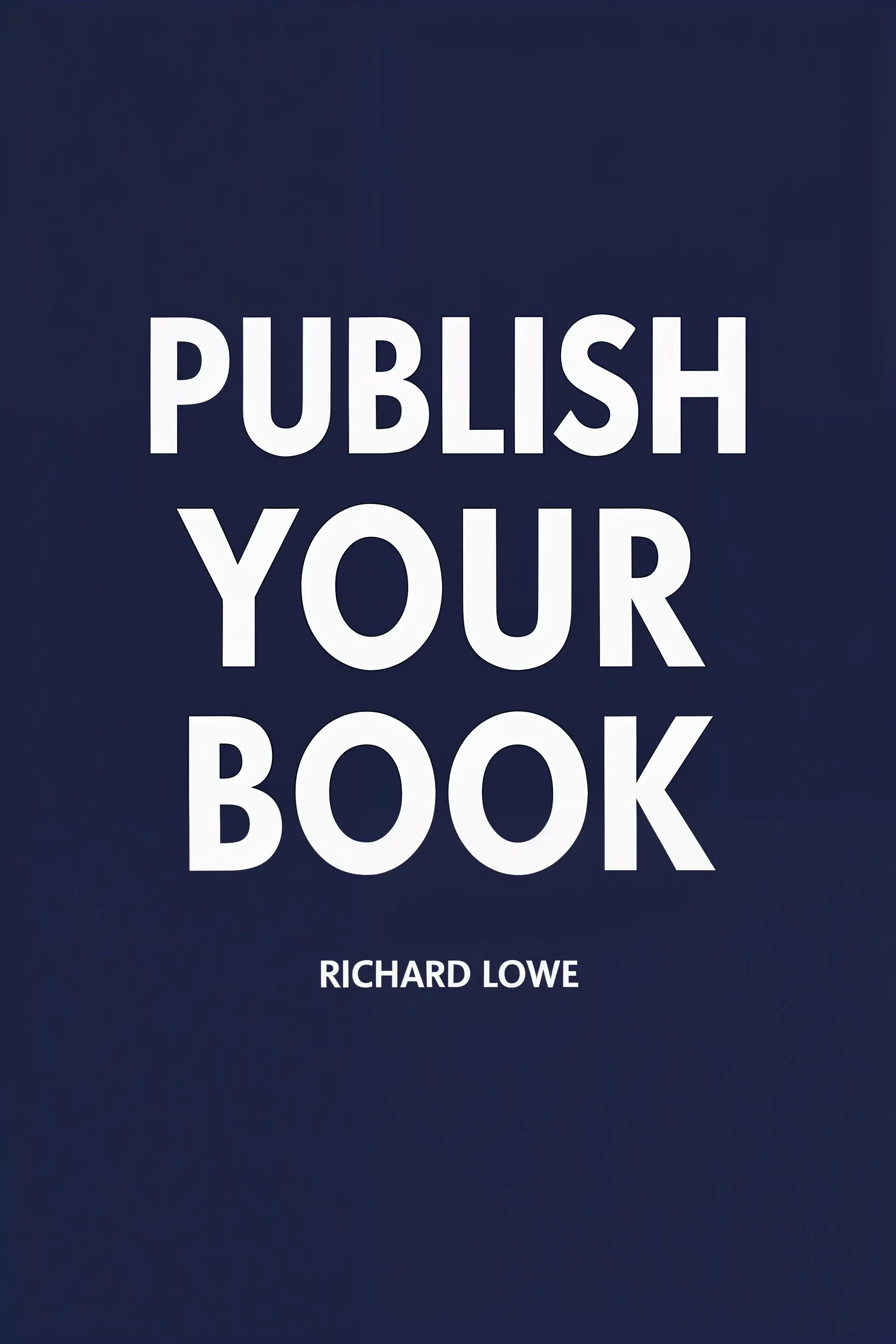
Publish Your Book is my self-publishing guide, built from more than 100 titles. It covers the decisions between a finished manuscript and a book on sale.
Frequently Asked Questions
- Professional Activities and Salary Survey, American Society for Indexing
- Indexing fees, Society of Indexers