
Family Cybersecurity
Protecting the People Who Live in Your House
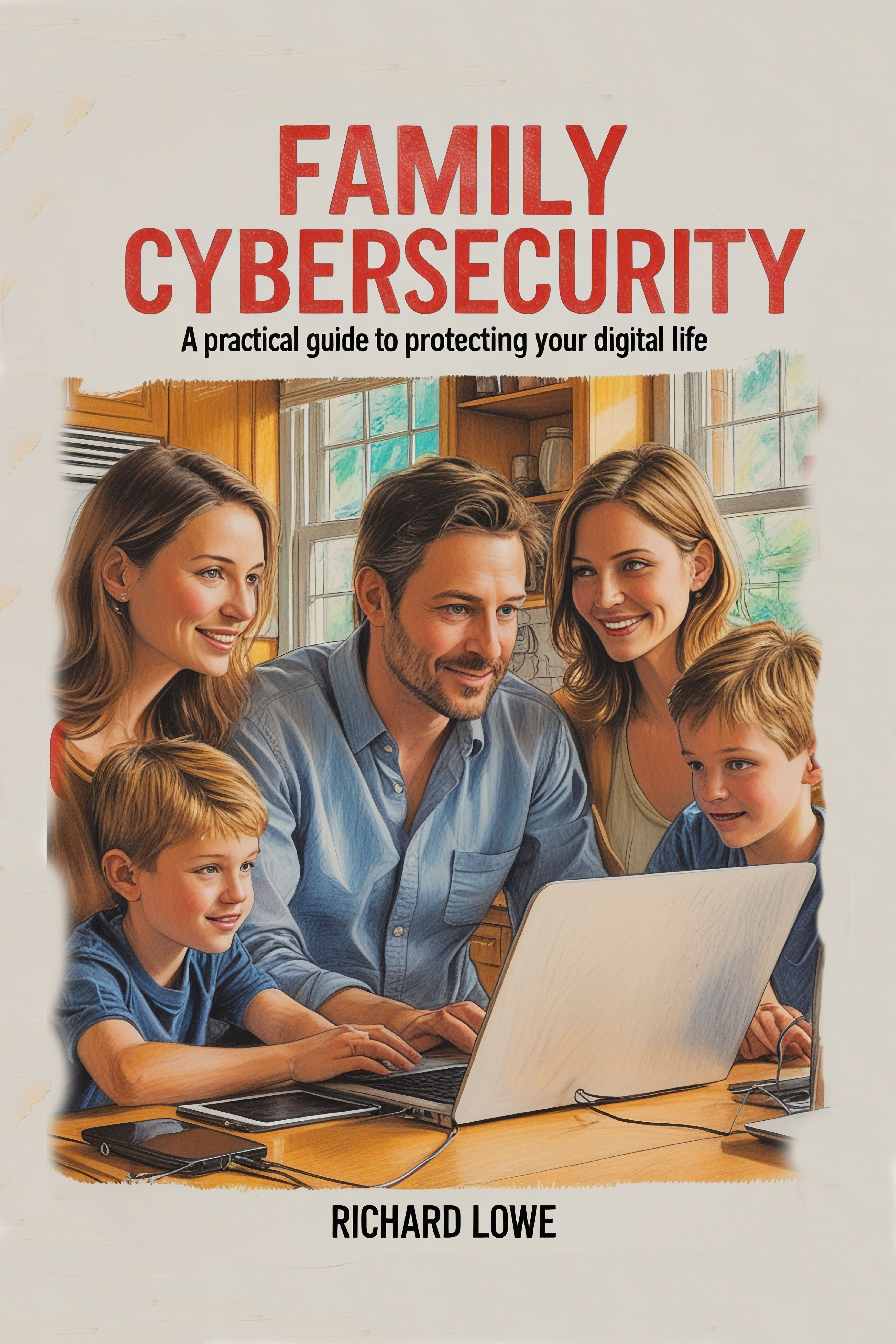 |
The phone rang at 2:47 in the morning BUY FROM INGRAMSPARKAMAZONKOBOREAD THE INTRODUCTIONTABLE OF CONTENTS 231 pages · Paperback ISBN 978-1-946458-43-8 · ebook ISBN 978-1-946458-63-6 |
| 231Pages | 2:47 AMWhen the call came | $500The ransom she paid | 0Photos recovered |
The phone rang at 2:47 in the morning
I knew before I picked it up that somebody’s digital life had just exploded. My friend’s voice cracked as she described watching thirty years of family photographs disappear off her screen. Wedding pictures. A baby’s first steps. Her mother’s last Christmas before the cancer. All of it, because she clicked an attachment that looked ordinary.
I drove over with every recovery tool I owned and we worked until dawn. Nothing worked. The ransomware had encrypted every memory on the drive and the people who did it wanted five hundred dollars to maybe hand them back.
She paid. They kept the money and the photographs.
The 2:47 a.m. call that led to this book, step by step.
That morning changed how I think about security. Thirty-three years protecting corporate networks and million-dollar systems, and I’d missed the obvious. The attacks that destroy people don’t target banks. They target families who keep their entire lives on devices nobody ever explained to them.
What is inside Family Cybersecurity?
| Part | Chapters | What it covers |
|---|---|---|
| I. Understanding Your Digital Home | 1 to 2 | Your connected home, and who is trying to harm your family |
| II. Securing Your Network | 3 to 4 | Your internet connection and smart home devices |
| III. Protecting Your Computing Devices | 5 to 7 | Computers, phones and tablets, entertainment and gaming |
| IV. Managing Your Digital Life | 8 to 10 | Passwords, backups, safe browsing, shopping and socializing |
| V. Family and Multi-User Considerations | 11 to 12 | Keeping children safe, helping relatives who struggle with technology |
| VI. Staying Secure in a Changing World | 14 | Maintaining your security over time |
|
Your digital home
|
The attacks that reach families
|
|
Defending
|
Everyone in the house
|
What do readers say about Family Cybersecurity?
Amazon reviews of the previous edition. 12 of them, averaging 4.92 out of 5.
This book is written for the average Windows computer user who wants to protect their computer. The first quarter of the book simply deals with information and terminology. I was familiar with a lot of it in a vague sense, but the author has a knack of bringing it all together in a simple and coherent way. The author then provides tips and techniques to make your computer more resistant to hackers and data thieves. They include such simple practices as not using public wifi, using a PIN for your phone and tablet, shredding envelopes and documents before throwing them away, making sure no one sees you enter your PIN or password, not posting anything on the web that you don’t want to be public knowledge, and not using public computers to access personal information. The author explains cloud storage, backups, and using a password manager. The book is filled with highlighted best practices and includes examples of the personal experiences of the author as well as other people. Some advanced security features are also provided for the more technologically-savvy readers. A must-read for anyone using a computer — that means you!
I received this book from Amazon yesterday morning and have been through the entire book. Now I am doing a second rereading and am going to highlight very important points for my grandson to read since he is now using the internet on his own without much help — it is time for him to learn proper security from someone with so much experience and knowledge. Since he is so independent now, this book is perfect for him to follow because it is not full of fluff and fancy wording that you need a dictionary to understand. I found this book to be easy to follow and I learned a lot that I did not know, that I thought I already knew. I will be making some changes with my use of the computer myself thanks to much of the information this book has given me. With so much more hacking and inappropriate use being made of the internet world these days you can never be protected enough. I highly recommend this book for everyone who is starting out in the computer world and for seniors like myself that thought they knew more than they really do.
I had the privilege of editing Richard’s book before he published it. I thought I was pretty computer savvy. I was under the false impression that I knew how to protect my computer from viruses and hackers. After editing Richard’s book I realized how wrong I was in my thought process. I did not know anything about all the scary things out there that could get into your identity, bank accounts, personal information, and hidden viruses. Richard gives you a step by step easy to understand lesson on how to protect all this information. My favorite are his best practices. Easy to understand and implement. This book is worth every penny if you are really serious about protecting your computer and all the information you put on it on a day to day basis. Believe it — there are hackers out there that can hack your password in seconds. Richard gives you a step by step easy to understand solution to protect that precious information.
Excellently written. It is the way IT needs to be written for the non-IT folks. It is the ideal gift to give the older generation that is struggling with the computer revolution without insulting their intelligence (How would you like to get a ‘for dummies’ book to help you out.) Richard has explained things clearly and used his years of IT knowledge to make it simple and easy to understand.
Who should read Family Cybersecurity?
|
Read it if
|
Not for you if
|
Why did I write Family Cybersecurity?
Richard Lowe, the Writing King
Thirty-three years in computer security, twenty of them as Director of Computer Operations and Technical Services at Trader Joe’s protecting systems for a 16 billion dollar company. I learned the hard way in 1981, when a college professor caught me trying to break into the school’s computer. None of that helped my friend at 2:47 in the morning. That’s why this book exists.
► Behind the Book: Family Cybersecurity
How this one got written, what went wrong, and what got cut.
► I Got Caught Hacking in 1981. The Professor Made Me Head of Security.
One story from behind this book.
What do people ask about Family Cybersecurity?
Also in Digital Self-Defense
|
What the Platforms Did to Us |
Ridiculous Things People Actually Believe A Tour of the Indefensible |
The backup you have not made is the one you will want
Nobody sets this up the week after.
BUY FROM INGRAMSPARKAMAZONKOBOREAD THE INTRODUCTIONTABLE OF CONTENTS
Paperback and ebook.
Introduction
Family Cybersecurity
The phone rang at 2:47 AM. I knew before I picked it up that someone’s digital life had just exploded.
My friend’s voice cracked as she described watching thirty years of family photos vanish from her computer screen. Wedding pictures. Baby’s first steps. Her mother’s last Christmas before cancer took her. All of it disappeared because she clicked one innocent-looking email attachment.
I threw on clothes and drove to her house, carrying every data recovery tool I owned. We worked until dawn, trying everything I’d learned in thirty-five years of computer security. Nothing worked. The ransomware had encrypted every precious memory on her hard drive, and the criminals wanted $500 to maybe give them back.
She paid. They kept the money and the photos.
That morning changed how I think about computer security. All those years protecting corporate networks and million-dollar systems, I’d forgotten something important: the most devastating attacks don’t target banks or governments. They target ordinary families who store their entire lives on devices they barely understand.
Your smartphone holds more personal information than any government file ever compiled on you. Your laptop contains financial records that could bankrupt you if stolen. Your smart doorbell records who visits your home. Your children’s tablets know their schedules, their friends, their fears. Every device in your house connects to the internet, and every connection creates an opportunity for someone with bad intentions.
The criminals have evolved. Twenty years ago, hackers were mostly curious teenagers showing off to their friends. Today, cybercrime generates more revenue than the global drug trade. Professional crime organizations employ thousands of people whose only job is stealing your information and money. They punch in at 9 AM, take lunch breaks, and go home to their families after spending eight hours figuring out new ways to ruin yours.
They target families because families are easy. You don’t have million-dollar security budgets or teams of IT professionals. You have kids who click on everything, teenagers who share passwords, and grandparents who believe every email that claims to be from their bank. You have smart speakers listening to your conversations, security cameras that strangers can access, and tablets that remember every website anyone in your household has ever visited.
Table of contents
Family Cybersecurity
- Forward to the First Edition
- Preface
- Introduction: Why Every Family Needs This Book
- Part I: Understanding Your Digital Home
- Chapter 1: Your Connected Home – The New Reality
- Chapter 2: Who’s Trying to Harm Your Family and Why
- PART II: Securing your Network
- Chapter 3: Your Internet Connection – The Front Door to Everything
- Chapter 4: Smart Home Devices – When Convenience Becomes Dangerous
- PART III: Protecting your Computing Devices
- Chapter 5: Computers and Laptops – Your Family’s Work Stations
- Chapter 6: Phones and Tablets – Your Most Personal Information
- Chapter 7: Entertainment and Gaming – The Forgotten Risk
- PART IV: Managing your Digital Life
- Chapter 8: Passwords and Access – Doing It Right Without Going Crazy
- Chapter 9: Backing Up What Matters – Your Digital Insurance Policy
- Chapter 10: Safe Online Habits – Browsing, Shopping, and Socializing
- PART V: Family and Multi-User Considerations
- Chapter 11: Keeping Children Safe in the Digital World
- Chapter 12: Supporting Family Members Who Struggle with Technology
- PART VI: Staying Secure in a Changing World
- Chapter 14: Maintaining Your Security Over Time
- Conclusion
Amazon reviews of the previous edition
Family Cybersecurity
This book is written for the average Windows computer user who wants to protect their computer. The first quarter of the book simply deals with information and terminology. I was familiar with a lot of it in a vague sense, but the author has a knack of bringing it all together in a simple and coherent way. The author then provides tips and techniques to make your computer more resistant to hackers and data thieves. They include such simple practices as not using public wifi, using a PIN for your phone and tablet, shredding envelopes and documents before throwing them away, making sure no one sees you enter your PIN or password, not posting anything on the web that you don’t want to be public knowledge, and not using public computers to access personal information. The author explains cloud storage, backups, and using a password manager. The book is filled with highlighted best practices and includes examples of the personal experiences of the author as well as other people. Some advanced security features are also provided for the more technologically-savvy readers. A must-read for anyone using a computer — that means you!
I received this book from Amazon yesterday morning and have been through the entire book. Now I am doing a second rereading and am going to highlight very important points for my grandson to read since he is now using the internet on his own without much help — it is time for him to learn proper security from someone with so much experience and knowledge. Since he is so independent now, this book is perfect for him to follow because it is not full of fluff and fancy wording that you need a dictionary to understand. I found this book to be easy to follow and I learned a lot that I did not know, that I thought I already knew. I will be making some changes with my use of the computer myself thanks to much of the information this book has given me. With so much more hacking and inappropriate use being made of the internet world these days you can never be protected enough. I highly recommend this book for everyone who is starting out in the computer world and for seniors like myself that thought they knew more than they really do.
I had the privilege of editing Richard’s book before he published it. I thought I was pretty computer savvy. I was under the false impression that I knew how to protect my computer from viruses and hackers. After editing Richard’s book I realized how wrong I was in my thought process. I did not know anything about all the scary things out there that could get into your identity, bank accounts, personal information, and hidden viruses. Richard gives you a step by step easy to understand lesson on how to protect all this information. My favorite are his best practices. Easy to understand and implement. This book is worth every penny if you are really serious about protecting your computer and all the information you put on it on a day to day basis. Believe it — there are hackers out there that can hack your password in seconds. Richard gives you a step by step easy to understand solution to protect that precious information.
Excellently written. It is the way IT needs to be written for the non-IT folks. It is the ideal gift to give the older generation that is struggling with the computer revolution without insulting their intelligence (How would you like to get a ‘for dummies’ book to help you out.) Richard has explained things clearly and used his years of IT knowledge to make it simple and easy to understand.
It really helps in the understanding of today’s threats of hacking as well as the potential loss of records and photos in our computers. This is a perfect book to get our computers secured and organized. The description of the terminology is outstanding. The explanations regarding software and necessary devices to get protected is most valuable.
I’m actually pretty computer savvy, yet this book made me update the way I and my family use their PCs safely. Some of the main things I learned: there are many different ways to become a victim, how to be proactive and not be a victim, what to do if I ever became a victim, and that I know sufficiently less about PC protection than I thought.
Very informative! I’m just okay with the very basics of emailing, surfing etc.online security was like a foreign language to me before ordering this book! I recommend it to anyone who has ever had concerns with virus protection and account hackers! I feel more confident that now that I’m able to protect my interests on the Internet.
I found this book to be very easy to read. It’s a great book for non-techies. It’s very informative and contains useful information that anyone can use. All the key terms are defined so you know what’s being talked about and the subject no longer seems mysterious. I highly recommend this book.
This book is clear and concise. It speaks to the lay person, as well as someone who knows just enough about computers to be dangerous. The writer also gives screen shots to help you through the steps to protect your computer. It was great! I’ll use all this information to protect my computer.
Lots of really great information, put in a way that non-IT people (like myself) can’t only understand, but really GET! I learned a lot reading this, both about being safe, and about computers themselves. Thank you, Richard!!!
I have to admit I didn’t realize how much I didn’t know about computers until I read this informative all-in-one book. It taught me an enormous amount of useful information I’ll use.
Well written but a little too simple for me — likely shouldn’t have bought it since I’m a network admin.