For years I paid Microsoft every month to rent a typewriter. Word, for a writer, is a place to put words, save them and send them to someone else. I don’t build mail merges. I don’t use SmartArt. I type, I dictate, I fix, I save. And every month the landlord found something new to bolt onto the typewriter and a reason to charge me more for it.
This week I gave the typewriter back. I canceled Office, deleted the OneDrive app from my computer, and moved my manuscripts into WordCraft, a free reimplementation of Word that a developer built with AI and released this month. I’ve decided I won’t go back to Word except to test against it.
Plenty of people think that’s a mistake. A thread on Hacker News asked whether Microsoft will sue WordCraft out of existence, and the comments split between “they won’t bother” and “this toy will be dead in a year.” I’ve been on the inside of enough software projects to have opinions on both.
What does enshittification look like in Microsoft Office?
Cory Doctorow’s word for it describes three stages. A platform starts out good to its users. Then it squeezes the users to please its business customers. Then it squeezes everyone and keeps the value for itself. I traced the same pattern across American business in The Enshittification of America, and Office follows it closely.
Office used to be a box you bought once. Then it became a subscription, and a subscription is a promise the company can renegotiate every month.
In January 2025 Microsoft renegotiated.
It put its Copilot AI into the consumer plans and raised the price for the first time in twelve years. Microsoft 365 Personal went from $6.99 a month to $9.99, and Family from $9.99 to $12.99. A cheaper “Classic” plan without Copilot still existed, but the way to find it was to start canceling.
In October 2025 Australia’s consumer watchdog, the ACCC, sued Microsoft for misleading about 2.7 million subscribers by telling them to accept the AI and the higher price or cancel, without mentioning Classic. Microsoft apologized and said it “fell short” of its standards.
Then there’s OneDrive. In 2024, new Windows 11 setups started switching on OneDrive folder backup by default, without asking. Your desktop starts filling up the free 5 GB, and once it’s full, Microsoft offers to sell you more space. That’s the third stage of enshittification in miniature: a feature built to move you up a price tier, dressed as a convenience.
Why did I cancel Microsoft Office?
A subscription is a promise the company can renegotiate every month.
Because I was paying $7.95 a month for features I never touch. How many of Word’s buttons do you use? I’ve written over a hundred books, and almost all of that work happens in a plain document with headings, italics and a word count. The rest of Word is a cockpit for somebody else’s job.
Dictation pushed me over the edge. I dictate a lot of my drafts, and Office’s dictation kept turning itself off in the middle of a thought. You’d be three sentences into a scene, look up, and find the microphone had gone dark several sentences back. For a tool I was paying for monthly, that’s a broken promise every single session.
And I’m cutting the big corporations out of my life wherever I can. I gave up Amazon Prime years ago. I don’t stream. I’d already pulled the OneDrive app off my Windows machine because I didn’t need that overhead running in the background. Office was next.
What is WordCraft, the free Word clone?
WordCraft is a free, open-source word processor that copies Microsoft Word, ribbon and all. Brandon Thomas, the developer behind the ArtCraft project, released it in October 2026 along with GridCraft for Excel and DeckCraft for PowerPoint. He wrote them in the Rust programming language with help from Anthropic’s Claude, and he gives them away under the MIT and Apache 2.0 licenses.
It opens and saves DOCX, so files move back and forth with anyone still on Word. It also reads ODT, RTF, Markdown and old Word files, and exports PDF. It runs on Windows, Mac and Linux. The project calls itself a clean-room rebuild, written from public specifications and from watching how Word behaves, with no Microsoft code inside.
The project is upfront that it’s alpha software. Its own roadmap counts commands for 97 percent of Word’s ribbon and menu features, and it rates itself about 60 percent ready for real work.
How fast is it moving? The repository went up on October 7, version 0.8 shipped on October 18, and the Windows installer was downloaded more than 23,000 times in its first day. Direct printing arrived in version 0.7, and English spell checking comes built in. A command-line tool converts a manuscript from DOCX to PDF, Markdown or plain text without opening the editor. If you format your own books, you’ll use that.
ArtCraft has also released free versions of seven Adobe apps, from Photoshop to Acrobat, if you’re trying to leave that subscription too.
WindowsForum went through the project’s own parity documents and found the gaps a writer should know about. Layout fidelity is rated at about 55 percent.
Aptos, Microsoft’s newer default font, came up too. WordCraft doesn’t bundle it or a matching substitute, so on a computer without Aptos, lines and pages can break in different places than they do in Word. On my Windows machine Aptos is installed, and WordCraft uses it without any trouble. Macros and add-ins aren’t supported at all.
The project’s own file-format sheet puts DOCX fidelity at about 65 percent, measured only on test files it built itself, never on a real pile of Word documents. Most of the early Windows freezes were fixed within days, and a startup freeze on some Intel graphics chips is still open. If a contract specifies a page count and the machine lacks Aptos, check the count in Word before you send.
None of that touched my work. I write in plain styles and count words. Page counts are the editor’s problem later.
| Microsoft Word (Microsoft 365) | WordCraft | |
|---|---|---|
| Price | $9.99 a month for Personal since January 2025 | Free |
| Files | DOCX, DOC, PDF and more | Opens and saves DOCX; opens DOC; exports PDF |
| Dictation | Built in, through Microsoft’s cloud | Not built yet; Windows voice typing (Win + H) works |
| AI | Copilot, bundled into the price | None inside; any AI agent can drive it from outside |
| Cloud | OneDrive, pushed by default | Your own folders, wherever you keep them |
| Maturity | Forty years old | Alpha, version 0.8 |
What is it like to switch from Word to WordCraft?
Easier than I expected. Would you believe the ribbon even feels the same?
I opened a manuscript I’d been working on in Word, and it came up looking the way it did in Word. The ribbon is where my hands expect it.
The first surprise was a good one. WordCraft kept a recovery copy of my document and handed it back to me intact. The second was a small annoyance: the first time I saved a file that came from Word, Save opened the Save As dialog. That’s deliberate. A restored or imported document has no home yet, so WordCraft asks where it should live. After that first save, Ctrl+S just saves.
Dictation is the one real gap.
The Dictate button is on the ribbon, grayed out, because the project hasn’t picked a speech engine yet. Windows has its own voice typing built in, though. Click into the document, press Win + H, and talk. It works a little differently from Office’s version and I’m still getting used to it. It also stays on. After months of Office’s microphone switching itself off mid-sentence, that alone made the trade worth it.
I’m not the only one switching. In a Reddit thread asking whether WordCraft can replace Word, the users who’d tried it kept coming back to speed. One measured WordCraft at about 200 MB on his Mac, against roughly 1.5 GB each for Word, Excel and PowerPoint, and guessed its typing lag at around 75 milliseconds, barely noticeable. Another found it picked up his Zotero reference library on day one. The complaints were the ones you’d expect from alpha software: comments in the margin still need work, and the missing Microsoft fonts.
Is it ready for a law firm’s contracts? No. For a writer’s chapters, it already is.
I paid Microsoft every month to rent a typewriter, and the landlord kept raising the rent. A free Word clone does everything I need. – Richard LoweShare on X
Will Microsoft sue WordCraft?
That’s the question the Hacker News thread asked, and the answer the commenters kept circling is the right one: not while it’s small.
Copyright is the weak weapon. It protects code as written, and a clean-room rebuild doesn’t copy Microsoft’s code.
The Supreme Court narrowed copyright’s reach over software interfaces in Google v. Oracle in 2021, and an appeals court held in Lotus v. Borland back in 1995 that a program’s menu structure is a method of operation that copyright doesn’t cover. DOCX itself is a published international standard, and Microsoft has promised not to sue anyone over the patents needed to read and write it. LibreOffice has opened Word files for years on the strength of that promise.
Patents are the strong weapon.
A patent covers a method no matter who wrote the code, and giving software away is no defense. Microsoft’s own 2006 license for the ribbon design excluded direct competitors to Word and Excel.
Still, suing a free hobby project costs more in reputation than it could ever win in damages. One commenter made the sharper point: it’s open source, so a win against one copy just means somebody else forks the code and carries on. If WordCraft ever pulls businesses off Office, expect a fight. For a writer typing chapters at home, there’s nothing to worry about.
Can a free AI-built clone last?
The skeptics in the thread have a fair point here. One commenter, who’d built office software, said the user interface is the easy part and the years go into edge cases: the strange file a customer has been modifying since 2009, the table that lays out differently by one pixel. Another doubted a single person can keep a codebase this size alive for five or ten years. I’ve written about the single maintainer problem, and it’s a real risk.
Here’s why I’m not worried for my own work. My manuscripts are DOCX files sitting in my own folders. If WordCraft vanished tomorrow, every one of them would open in LibreOffice, Google Docs or Word itself. The worst case is that I switch editors again. With Office, the worst case was the one I’d been living: a monthly bill that climbs while the tool gets worse.
The commenter who called WordCraft a mindless carbon copy of Word has a point too, and I’d love to see it start adding things Word never had. A writer doesn’t need a better Word, though. A writer needs a Word that stays the same and stays free.
My take
Most writers are renting far more software than they use. Office turned a typewriter into a subscription, then raised the rent to pay for an AI I never asked for and hid the cheaper option behind the cancel button. WordCraft is rough in spots and missing dictation, and it still does my whole job for nothing. Keep your work in DOCX in your own folders and you can walk away from any editor, including this one.
Give the typewriter back
If you’re thinking about it, cancel at account.microsoft.com under Services and subscriptions. Office keeps working until the end of the period you’ve paid for. Before it ends, check your OneDrive storage, because the free tier drops to 5 GB and anything over that has to come down. Then download WordCraft from the ArtCraft team’s official GitHub page and open your current manuscript in it. Ten minutes will tell you whether it covers your work.
The Technology of Writing Hub covers the rest of the writer’s toolkit, and if a manuscript has stalled and the software isn’t the problem, my book coaching is built for that. The words were always yours. Now the typewriter is too.
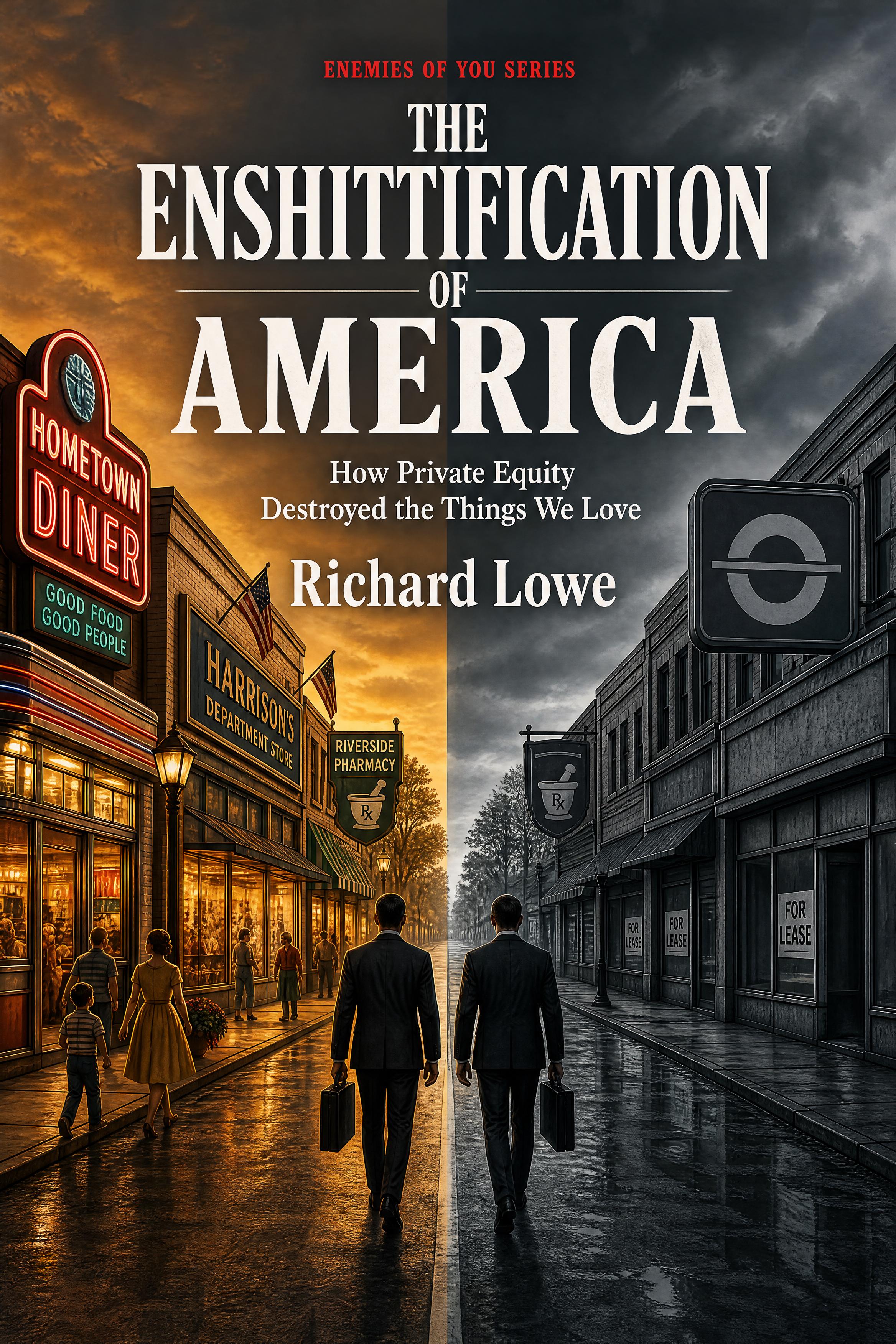
The same playbook runs through all thirteen industries in it: how good businesses got optimized into fee machines. Office is one more chapter of the pattern I traced there.