You signed up for hosting, downloaded WordPress, installed Elementor, and now you’re wondering why everyone said this would be simple. I’m angry on your behalf, because somebody sold you that line on purpose. Hosting companies, theme sellers and page-builder ads all profit from making WordPress sound like a weekend project, and none of them are around when it turns out to be a lot more than that.
Someone sold you a dream, and now you’re living the reality. If it gets to be too much, there’s WordPress help.
What don’t WordPress marketers tell you?
Every WordPress tutorial starts with “it’s so easy.” Nobody mentions that WordPress works like buying a house that comes with a basement full of unmarked switches, rooms you didn’t know existed, and a manual written in three different languages. You can live in it, but understanding how everything works takes time. For more, see your web designer wrote your website copy and it shows and website backup guide.
The WordPress dashboard feels like mission control for a spaceship you never learned to fly.Share on X
Elementor promised drag-and-drop simplicity, and it delivers to a point. You can drag things around, but figuring out why your button looks perfect on your laptop and terrible on your phone requires understanding concepts nobody explained. Responsive design, container settings, widget spacing. These are learned skills disguised as simple tools.
The Dashboard
The WordPress dashboard feels like mission control for a spaceship you never learned to fly. Pages, Posts, Media, Comments, Appearance, Plugins, Users, Tools, Settings. Each one opens into more options you don’t understand. You change something in Appearance and suddenly your whole site looks different.
You install a plugin someone recommended and now you have seventeen new menu items. You try to upload an image and WordPress tells you it’s too big without explaining what that means or how to fix it.
None of that is your fault. WordPress is a powerful tool built by developers for people who understand how websites work, and it’s unusual that regular humans can use it at all. I think the marketing that pitches it to everybody as simple does real harm, because people end up blaming themselves for a learning curve nobody warned them about.
How Hard Is Elementor to Learn?
Elementor markets itself as the solution to WordPress complexity, but it brings its own learning curve.
You open the page builder expecting something like PowerPoint and get something more like Photoshop. Sections, columns, widgets, containers. You drag a text block onto your page and it works. Then you try to make it look exactly like the picture in your head, and suddenly you’re deep into typography settings, margin controls, and responsive breakpoints.
Something that looks professional and works on every device demands real complexity, and Elementor can make that easier without making it effortless. The ads that show a finished site appearing in a few clicks are the problem, and I hold it against the people who make them, because those ads set people up to feel stupid on their second day.
Why Are WordPress Plugins a Problem?
Everyone says WordPress is great because of plugins. Nobody mentions that plugins also break everything. You install a backup plugin, a security plugin, an SEO plugin, a contact form plugin, and a few others that seemed important. Now your site loads slower and you can’t figure out which one causes the problem.
Some plugins work well together. Others fight. You won’t know which is which until something stops working, and then you deactivate them one by one to find the troublemaker. This is the inevitable result of mixing code from dozens of different developers who never talked to each other.
My advice to anyone running a business site is to install fewer plugins than you think you need and delete the ones you’ve stopped using. Every plugin is code from a stranger running on your site, and when two of those strangers disagree, the site owner is the one who pays for it.
Why are WordPress updates stressful?
WordPress wants to update itself. Your theme wants to update. Elementor wants to update. Every plugin wants to update. The updates promise security fixes and new features, but they also promise the possibility that something will break. You develop that knot in your stomach when you see those notification bubbles. You start searching “can I safely update WordPress” and fall into forum discussions about compatibility issues and broken sites. You learn you should update a staging site first, except you don’t have a staging site because nobody explained why you need one.
Every plugin is code from a stranger running on your site, and when two of those strangers disagree, the site owner is the one who pays for it.
I blame the easy-setup tutorials for that gap. They skip staging and backups because those make the pitch sound harder, and the owner of a small business site is the one who finds out what they skipped, after an update has already taken the contact form down.
The Mobile Problem
Everything looks perfect on your laptop. Then you check it on your phone and it’s a disaster. Text overlaps, images disappear, buttons don’t work. Responsive design doesn’t happen automatically. It requires attention to every page at every screen size. You start editing the mobile version in Elementor, but the interface becomes more confusing in mobile preview. You change something for mobile and it breaks the desktop version. You change it back and mobile breaks again. You start to understand why people get paid to build websites.
Hosting and Domains
I use Namecheap for domain registration and SiteGround GoGeek for hosting.
Namecheap offers simple domain management at reasonable prices. SiteGround handles the hosting reliably. My site gets 1,000 to 1,500 daily visits, scores 90 out of 100 on PageSpeed with Cloudflare caching, and GoGeek handles all of it without issues. Separating your domain registrar from your hosting provider is smart practice. If you ever need to switch hosts, your domain stays put.
A cache makes a site fast, and caching is also a pain, because you end up with multiple versions of a page. I’ve got caching in Cloudflare and caching in my website, there’s caching at the server level, and your browser keeps its own copy too. So if you change a page and it doesn’t update, it’s probably stuck in a cache somewhere. Purge the cache, or it can take up to a day to clear on its own.
My take
Install fewer plugins than you think you need, and delete the ones you’ve stopped using. Every plugin is a stranger’s code on your site, and when two strangers disagree, you pay. Set up a staging site and backups before you click update. Check every page on your phone. If a change doesn’t show, purge the cache before you panic. And keep your domain registrar separate from your host.
How Long Does It Take to Build a WordPress Site?
A website that works well and looks professional takes weeks or months, because there’s more to learn than anyone admits. Give yourself permission to build something imperfect first. Some features come with paperwork. I put reminders and SMS texts into my own setup, and SMS texts are a pain in the ass, because they need the registration and approval the carriers require. As of September 2026, mine had been waiting about nine weeks.
Get comfortable with the basics before worrying about advanced features. Your website will evolve as you figure out what you need versus what you thought you needed.
Every expert was once exactly where you are, clicking around WordPress at 2 AM wondering what they got themselves into. Building a real website is a skill, and you deserved to hear that before you gave up your evenings to it. Keep at it, or get help, but don’t decide you’re the problem.
And if the technical side keeps getting in the way of running your actual business, that’s what professionals are for. You didn’t start your business to become a web developer. Contact me and I’ll handle making sure your website does what it’s supposed to do while you focus on what you do best.
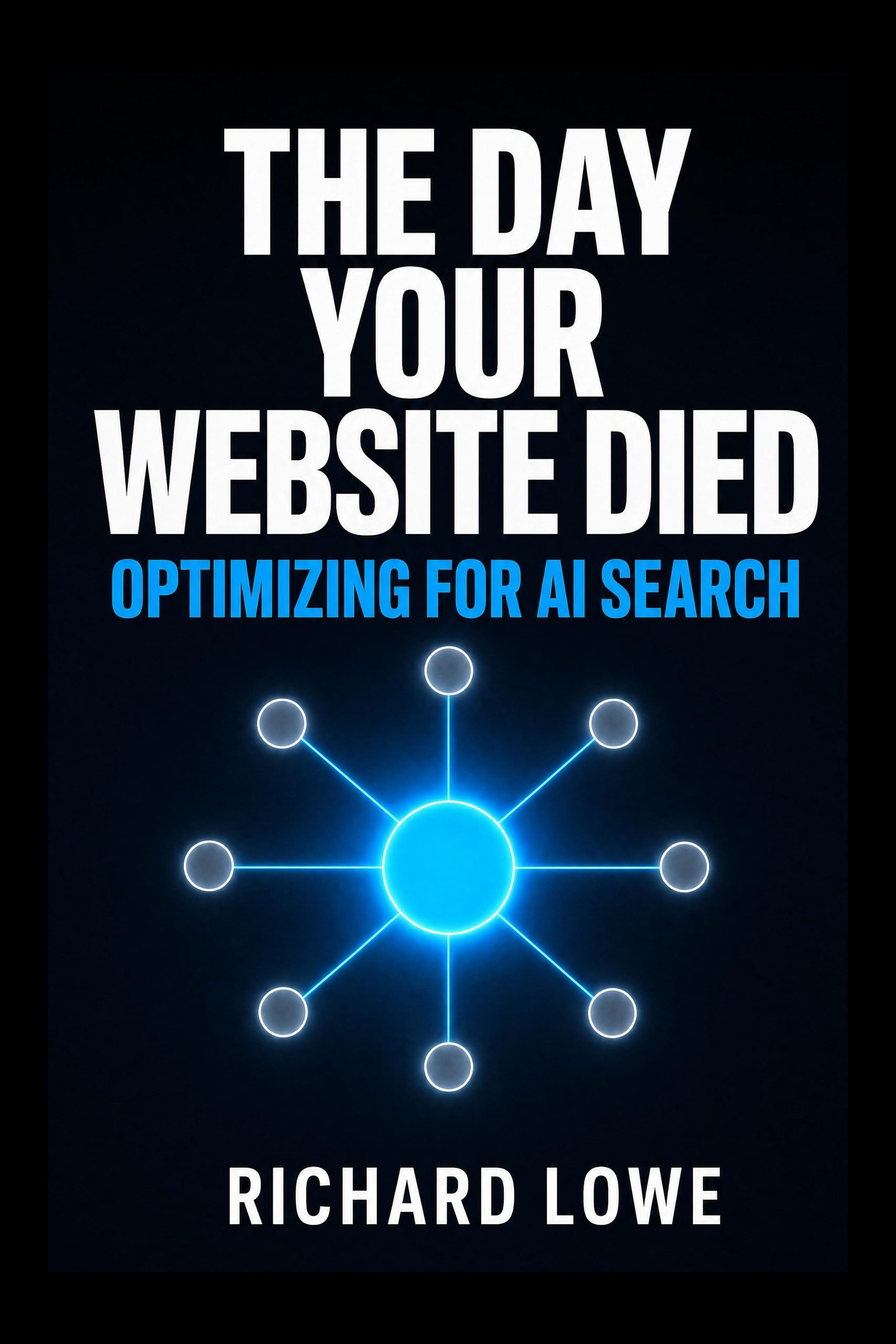
Once the site is built, people still have to find it. The Day Your Website Died is my book on optimizing for AI search, written after I watched my own traffic change shape.
Frequently Asked Questions

The book on this: The Day Your Website Died is 368 pages on how answer engines decide who gets named. That’s what changed about running a site while everybody was arguing about page builders.